
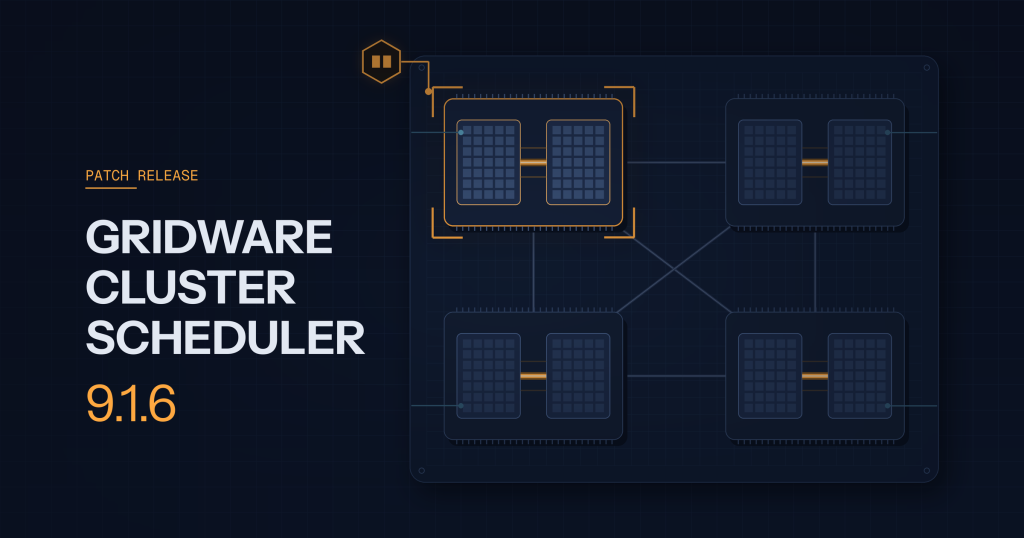
9.1.6 is a small patch release, but it lands three things worth your attention.
Pick the GPUs that belong together
Resource maps (RSMAP) can now express relationships between the instances a job receives. With the new same= request syntax, a job can ask for all of its GPUs from the same NUMA node, the same physical package, or any other characteristic you have defined on the map. That matters for workloads where inter-GPU bandwidth decides runtime.
The simplest case is locality to the CPU socket. Take a host with four GPUs, two per socket. Tag each instance with its NUMA node (after defining numa_node as an INT complex):
qconf -mattr exechost complex_values \
  'gpu=4(0[numa_node=0] 1[numa_node=0] 2[numa_node=1] 3[numa_node=1])' node01
Or configure it in Qontrol.
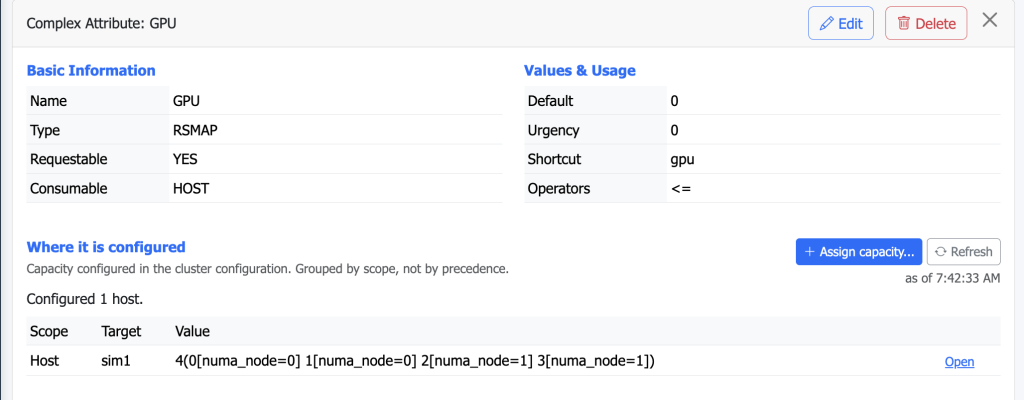
A job that wants two GPUs on the same socket asks for exactly that:
qsub -l 'gpu=2[same=numa_node]' -b y 'echo $SGE_HGR_gpu'The scheduler hands out either 0 1 or 2 3 — never 1 2 — and the job finds its devices in SGE_HGR_gpu.
The same mechanism follows any topology you describe. AMD Instinct MI250 and MI250X accelerators, for instance, expose the two GCDs of each package as separate GPUs; keeping a job on one package keeps its traffic on the fast on-package Infinity Fabric links instead of the slower node-level ones. Define a package characteristic, tag the instances, and request gpu=2[same=package]:
qconf -mattr exechost complex_values \
  'gpu=4(0[package=0] 1[package=0] 2[package=1] 3[package=1])' node02


qsub -l 'gpu=2[same=package]' -b y 'echo $SGE_HGR_gpu'
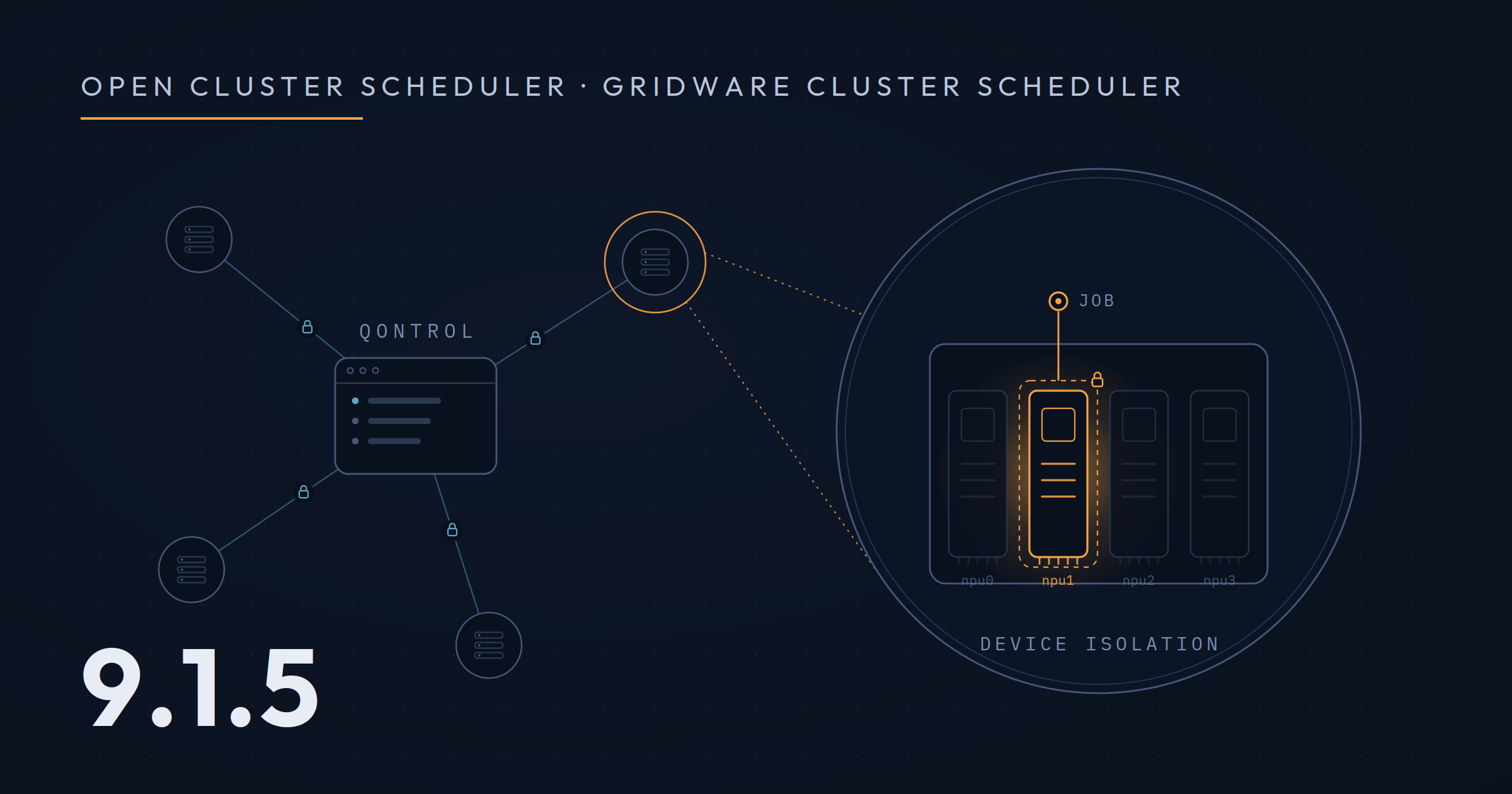
With qgpu and device characteristics, all environment variables (such as CUDA_VISIBLE_DEVICES) are set up automatically, including device isolation so that a job cannot access other GPUs. On NVIDIA GPUs, qgpu also delivers per-job GPU accounting through Gridware Cluster Scheduler’s extensible accounting feature, so usage of the devices a job was given shows up in its accounting record.
Advance reservations honour the same constraints and book specific RSMAP ids, and qrstat shows which instances an AR holds. Parallel jobs and allocation rules are covered, and the JSV libraries understand the new bracketed request form. Everything is documented in the new sge_rsmap(5) man page. Alongside this, a batch of RSMAP fixes closes gaps in booking, validation and persistence.
Qontrol suits up for the enterprise
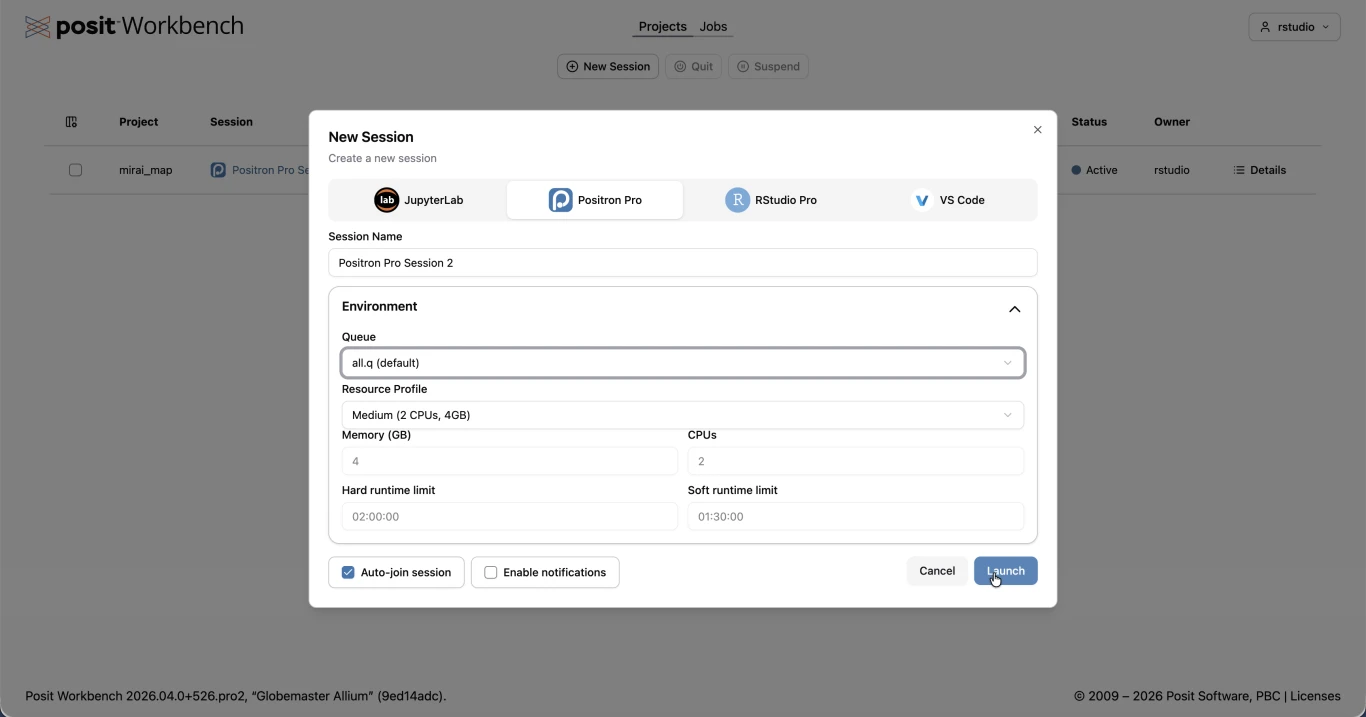
Qontrol, the modern web console replacing qmon, now supports pluggable authentication with OIDC login. We have verified the integration against Keycloak and Dex, so your cluster administrators can sign in with the identity provider you already run instead of yet another local account. The operations log now stays visible and correctly attributed even when Qontrol manages only remote clusters.
Connect your agents — safely
9.1.6 ships the Qontrol MCP server documentation with a quickstart guide, so you can quickly connect AI agents to your cluster for analysis and troubleshooting. The server is strictly read-only: agents can inspect queues, jobs, hosts and configuration, but they cannot submit, alter or delete anything — you get the insight without handing them the keys to the kingdom.
Fixes all round
The release also brings a long list of fixes: builds on gcc 14 and newer tool chains, correct GPU accounting when prolog and epilog run as an admin user, resource quota limits no longer rejecting every parallel job on non-consumable complexes, and character classes containing commas in resource requests. The admin guide’s GPU chapter has been rewritten. The full list is in the release notes.
Upgrade is drop-in for any 9.1.x installation. As always, we would love to hear how the new RSMAP relationships work for your GPU workloads.